 Marked.
Press kit
If you're here, I appreciate you.
Everything you need to write about Marked: copy, logos, the app icon and screenshots. Need a promo code or a quick answer? DM me on X or email emin.grbo@icloud.com.
- App
- Marked. Swipe Photo Deleter
- Developer
- Emin Grbo, Norway
- Platform
- iPhone & iPad
- Price
- Free, in-app purchase
- Category
- Utilities
- Website
- trymarked.xyz
Copy
One line
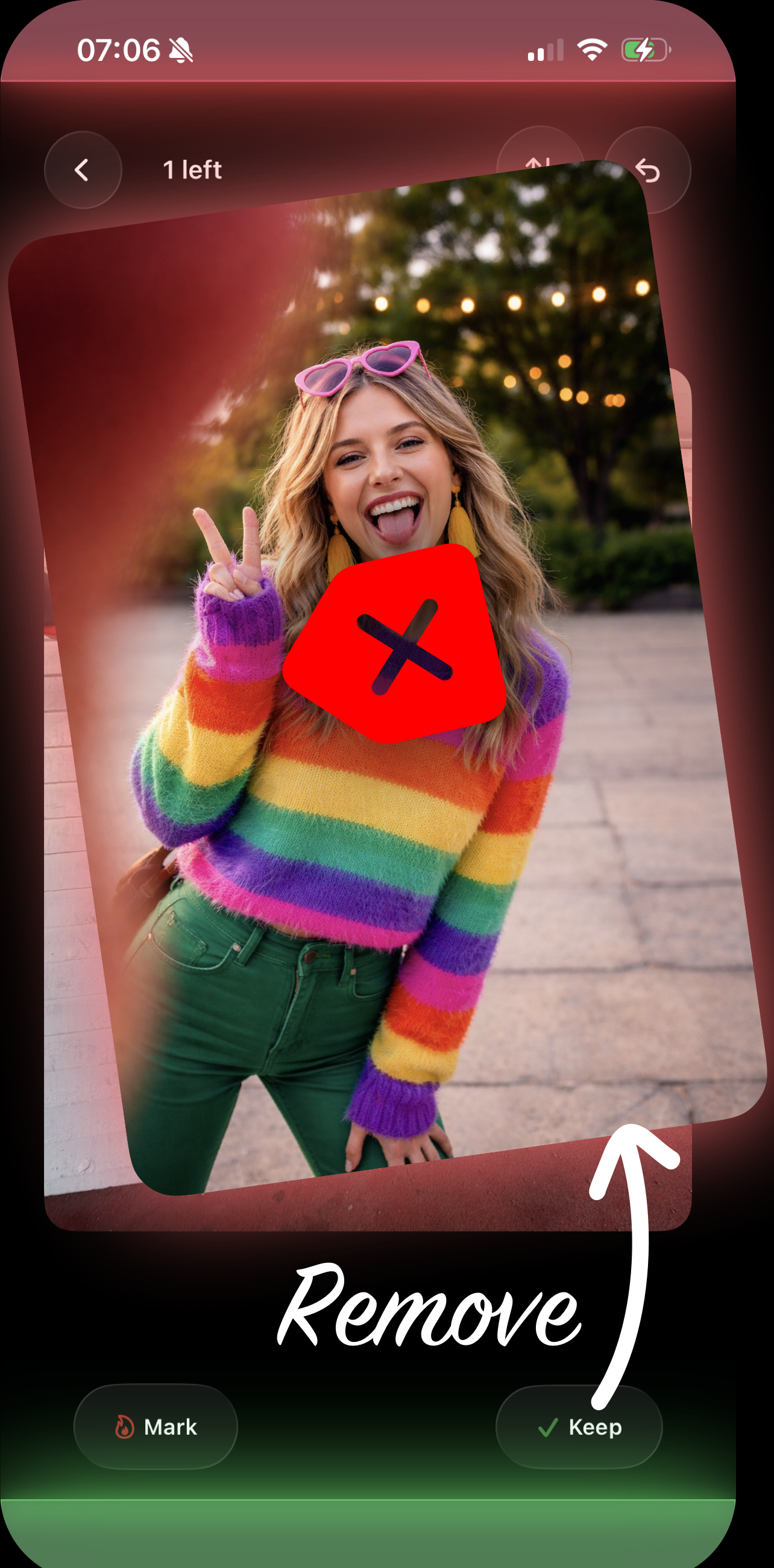
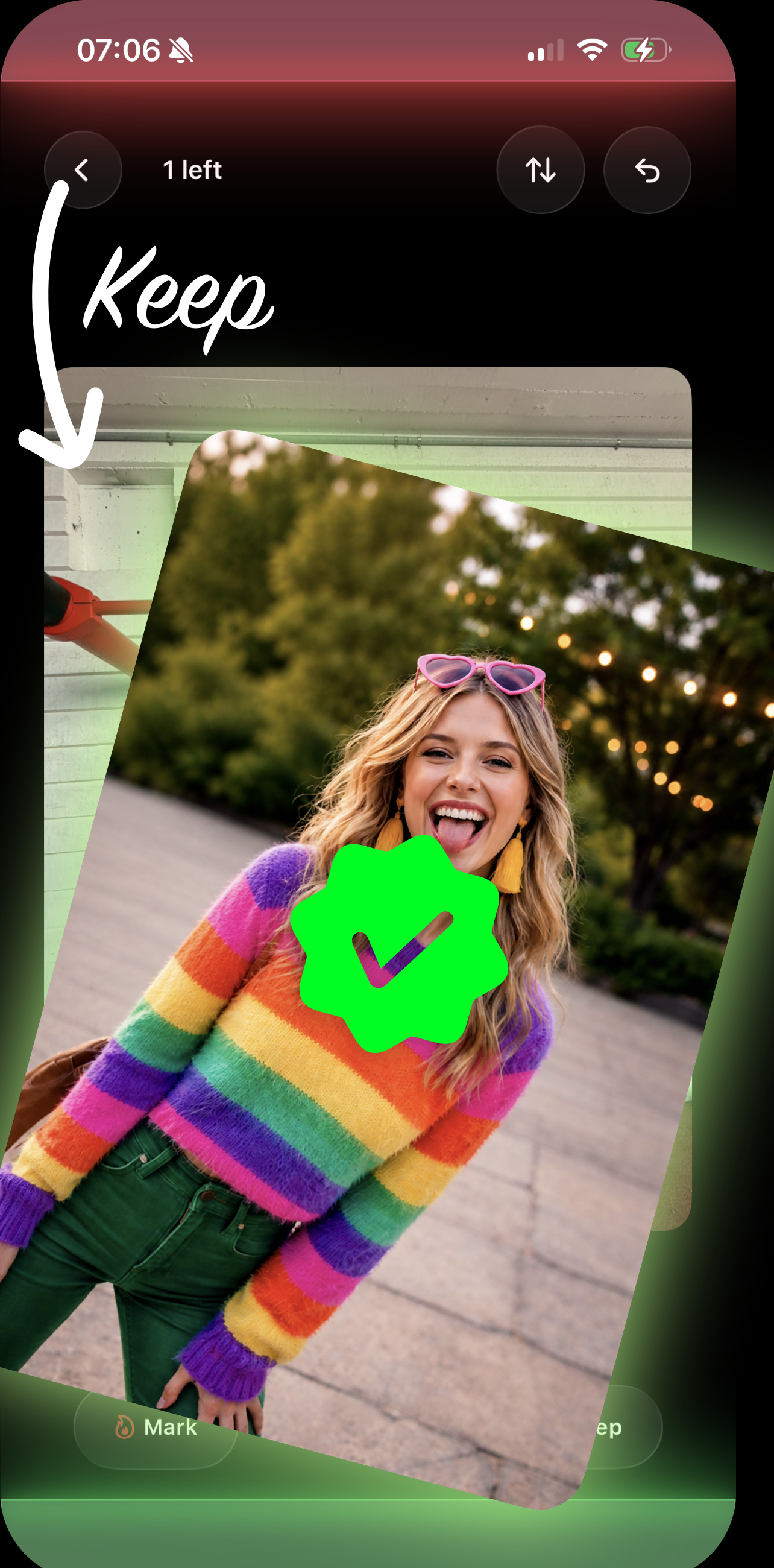
Marked is a photo cleanup app for iPhone and iPad: swipe up to mark, down to keep, and delete only when you're ready.
Short description
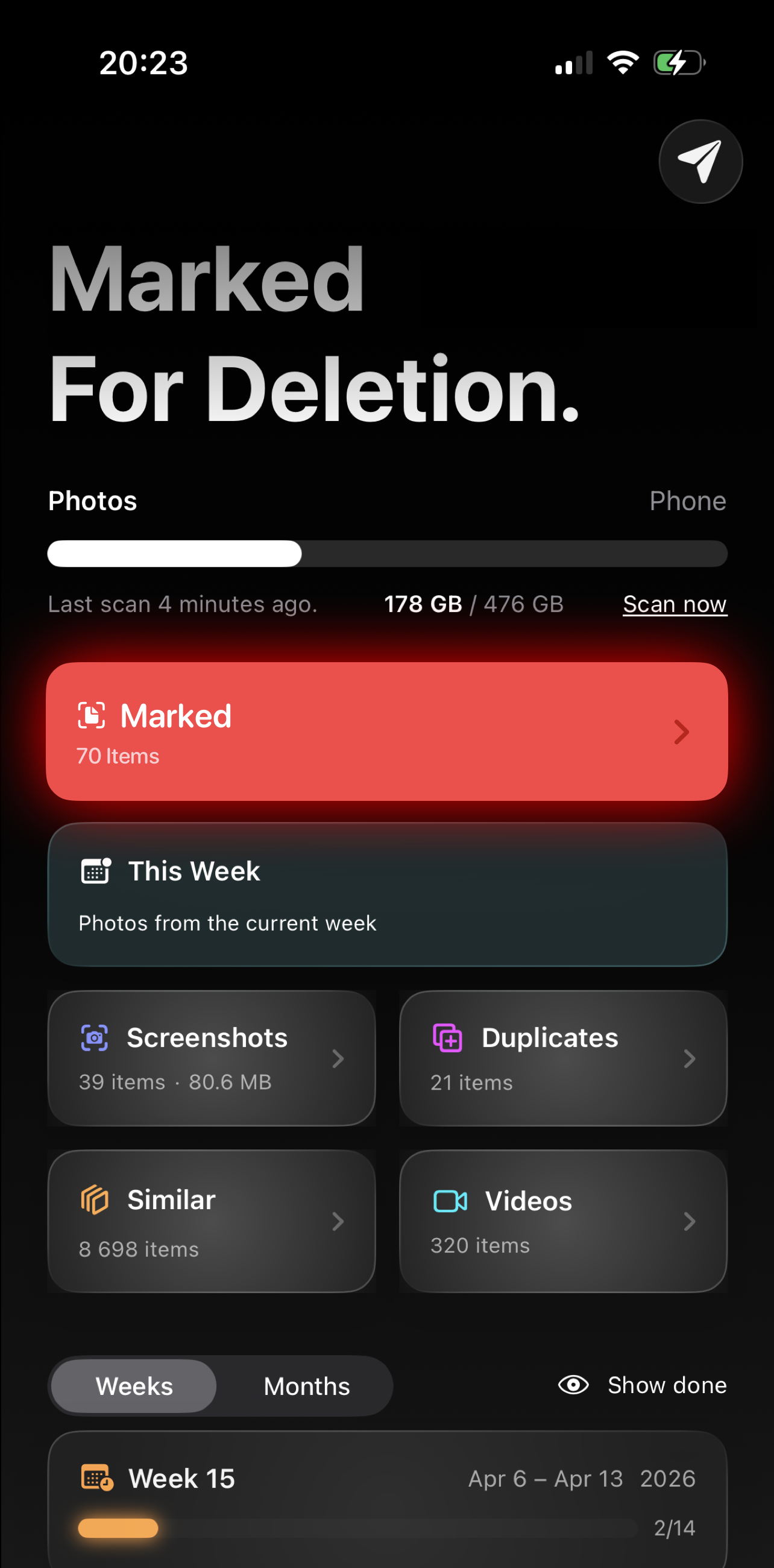
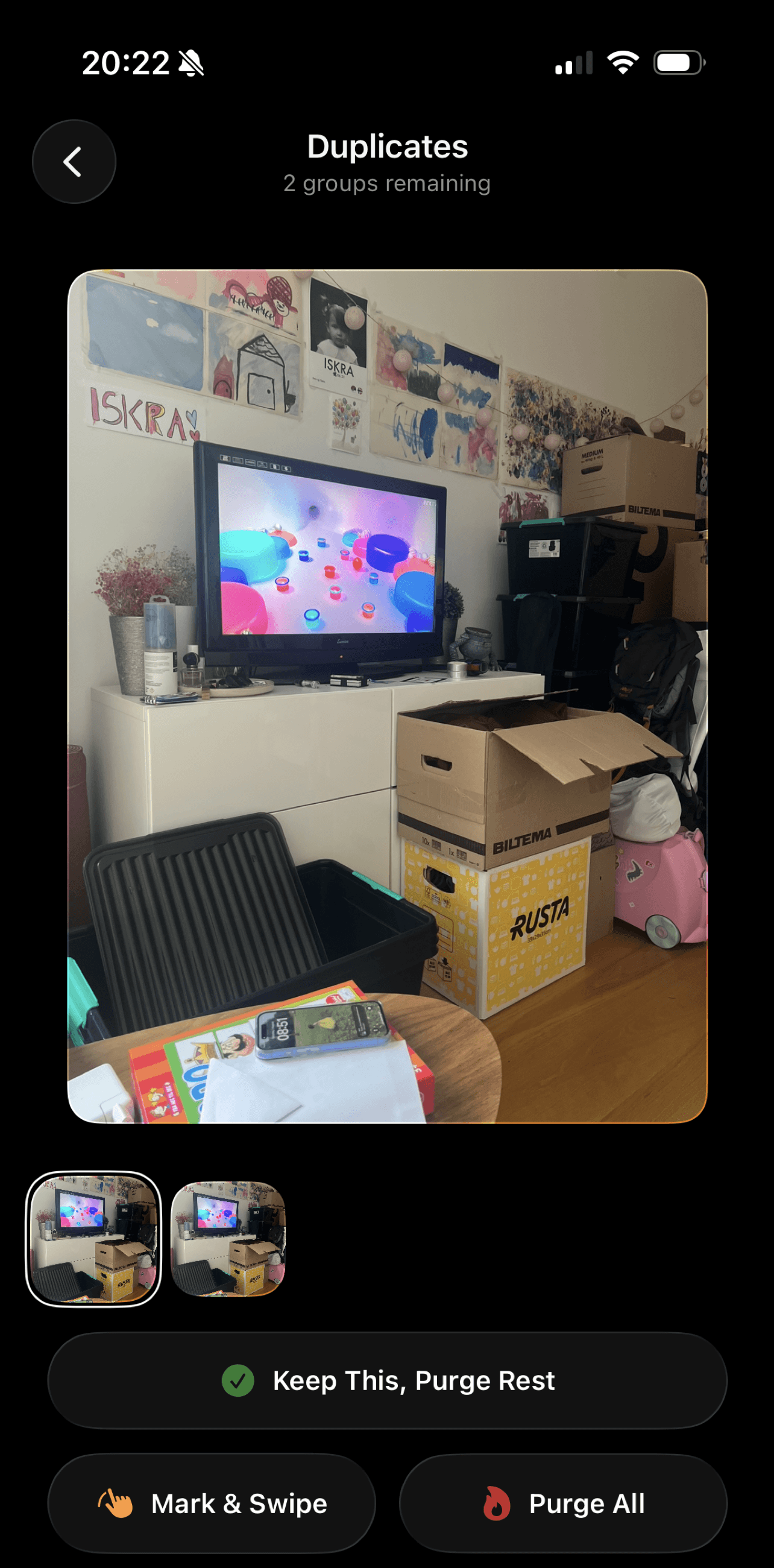
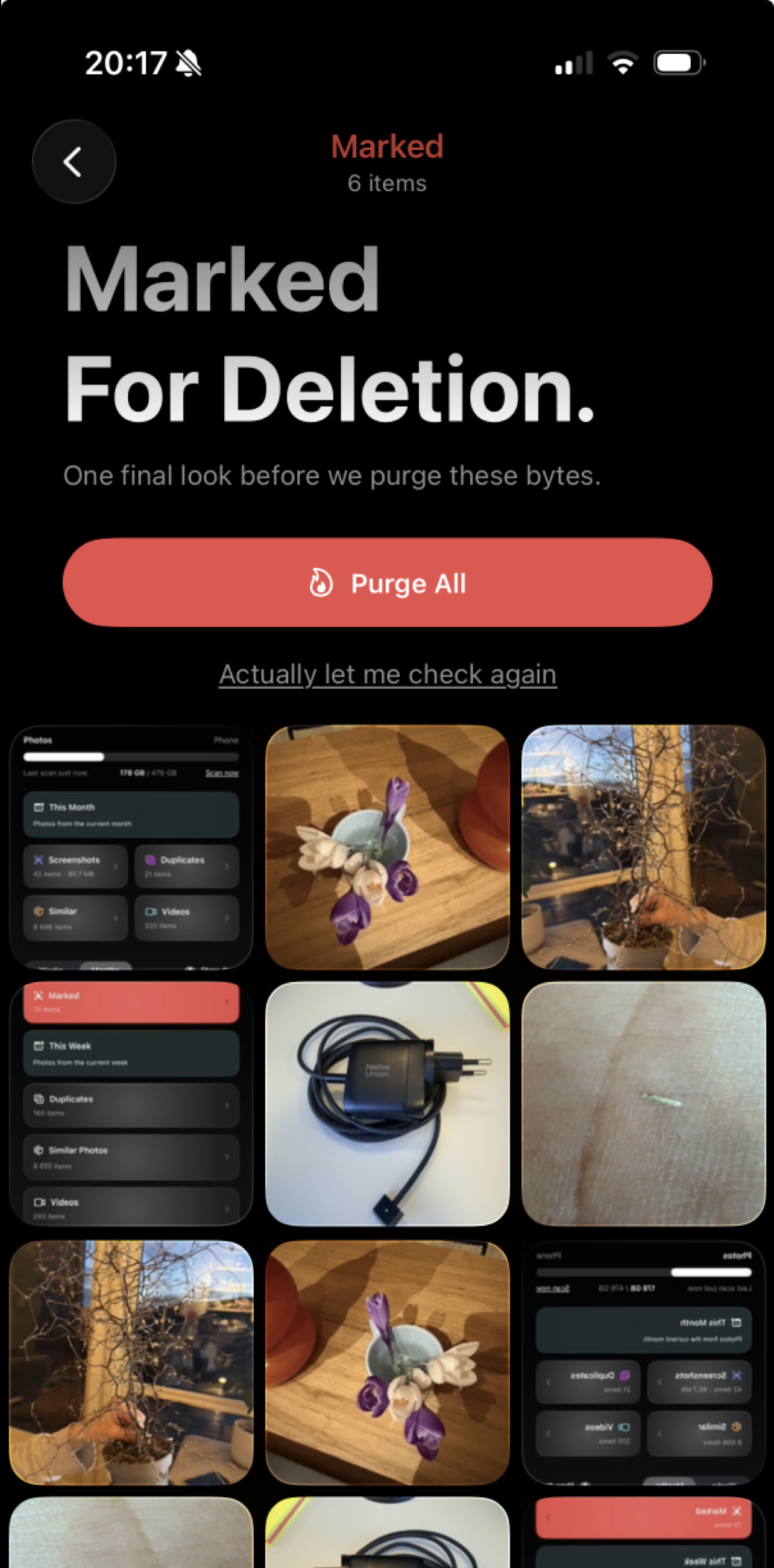
Marked finds the clutter in your camera roll — duplicates, similar shots, old screenshots — and lets you swipe through it like a card deck. Swipe up to mark, down to keep. Marked photos wait in a staging area until you hold to purge, so nothing is deleted by accident. Scanning happens entirely on your device.
Long description
Your camera roll tells the story of your life — but it can quickly become overwhelming.
Marked helps you manage an ever-growing photo library, especially if you're a parent who captures every little moment. Over time those moments turn into thousands of photos, and it gets hard to find the ones that matter.
Instead of letting AI decide for you, Marked takes a human approach. The best photo isn't always the sharpest one — it's the one that makes you smile, laugh or pause.
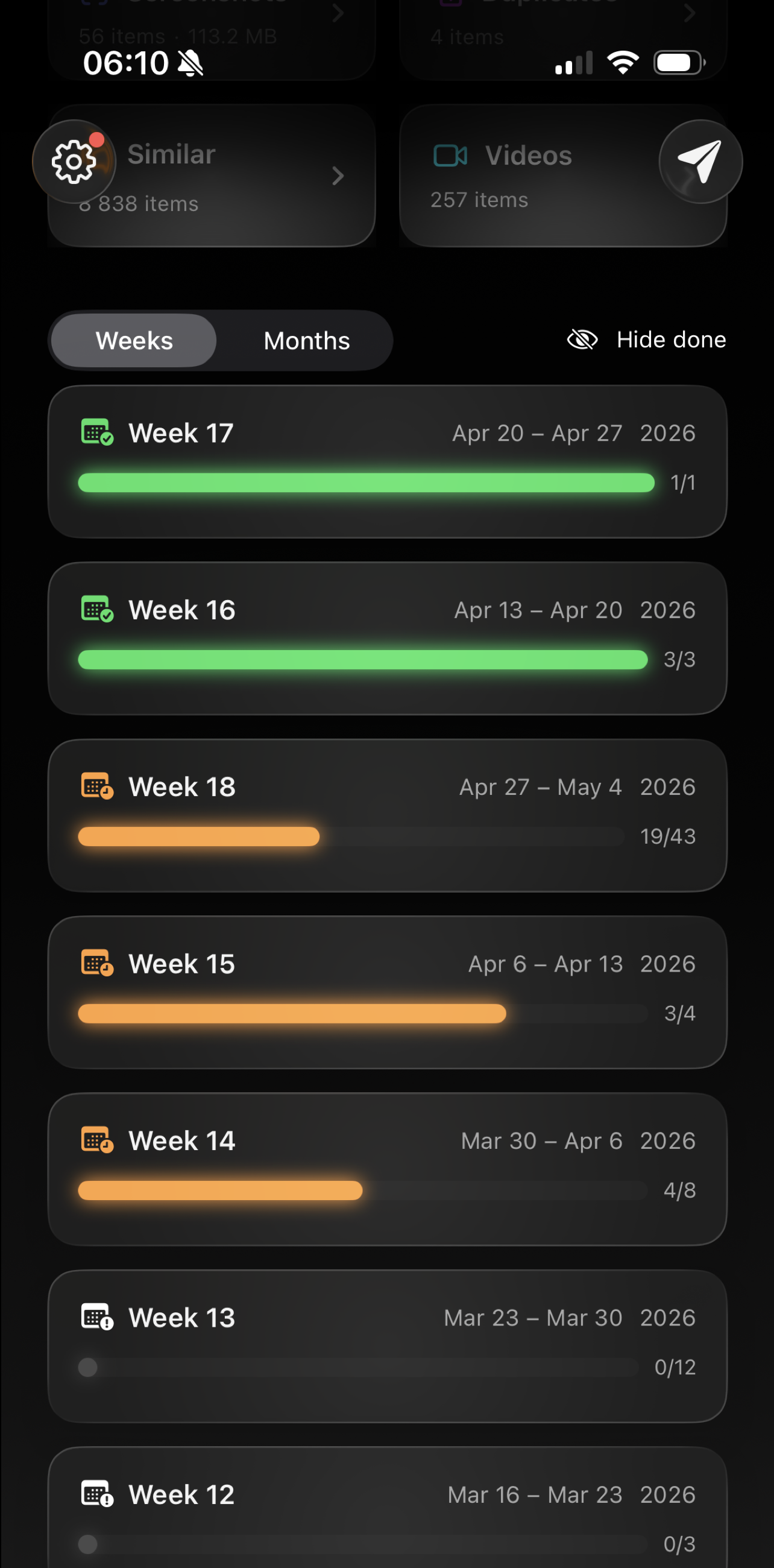
A simple, playful interface breaks cleanup into small sessions, by week or by month. A few quick swipes and you're done. Marked photos wait in a review list until you're sure, and everything runs on your device.
Reclaim your camera roll — and your memories — the human way.
About the developer
Marked is made by Emin Grbo, an iOS developer in Norway who has been building apps for seven years. Most of his apps are coded out in the woods. Users shape the roadmap by suggesting features straight from the app, and early adopters got a discounted price as a thank-you.
Headlines you can use
- Free up gigs, not memories.
- Swipe up on the photos you don't need.
- Mark now. Delete when you're ready.
- Your camera roll called. It wants its storage back.
- Stop scrolling. Start swiping.
Logos & icon


Screenshots
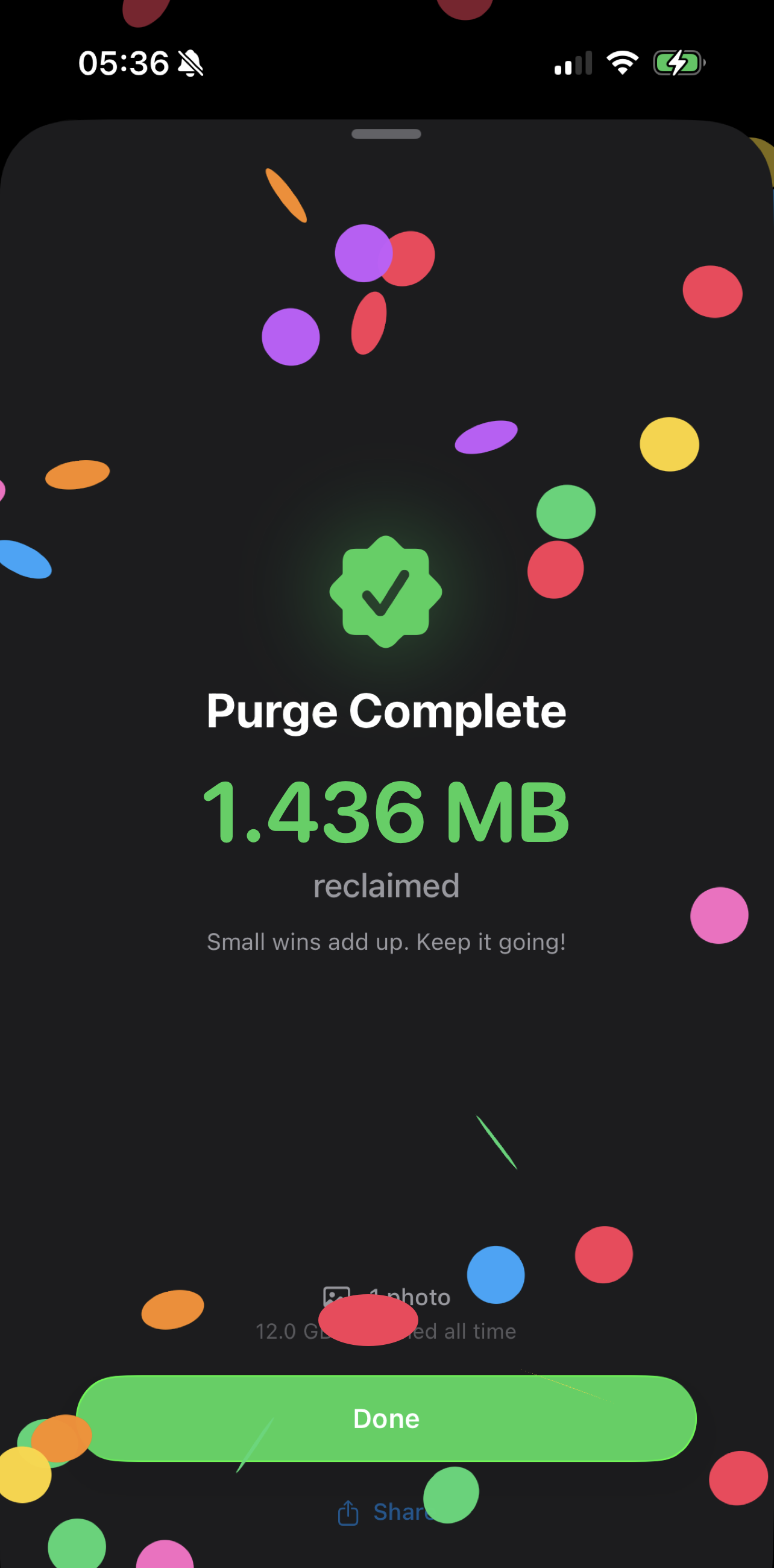
Raw iPhone screenshots, full resolution. Click to download.