Mark.
Photos show up as a card stack. Swipe up to mark, down to keep. Undo any time.

Marked finds the clutter — duplicates, old screenshots, similar shots — and lets you swipe through it in seconds. Nothing gets deleted until you say so.
5.0 on the App Store · Free to download

On a Mac?
Point your iPhone camera here.
Three steps. Take thirty seconds or thirty minutes — it's built for short sessions.
Photos show up as a card stack. Swipe up to mark, down to keep. Undo any time.
Marked photos wait in a staging area, not the trash. Rescue anything you second-guess.
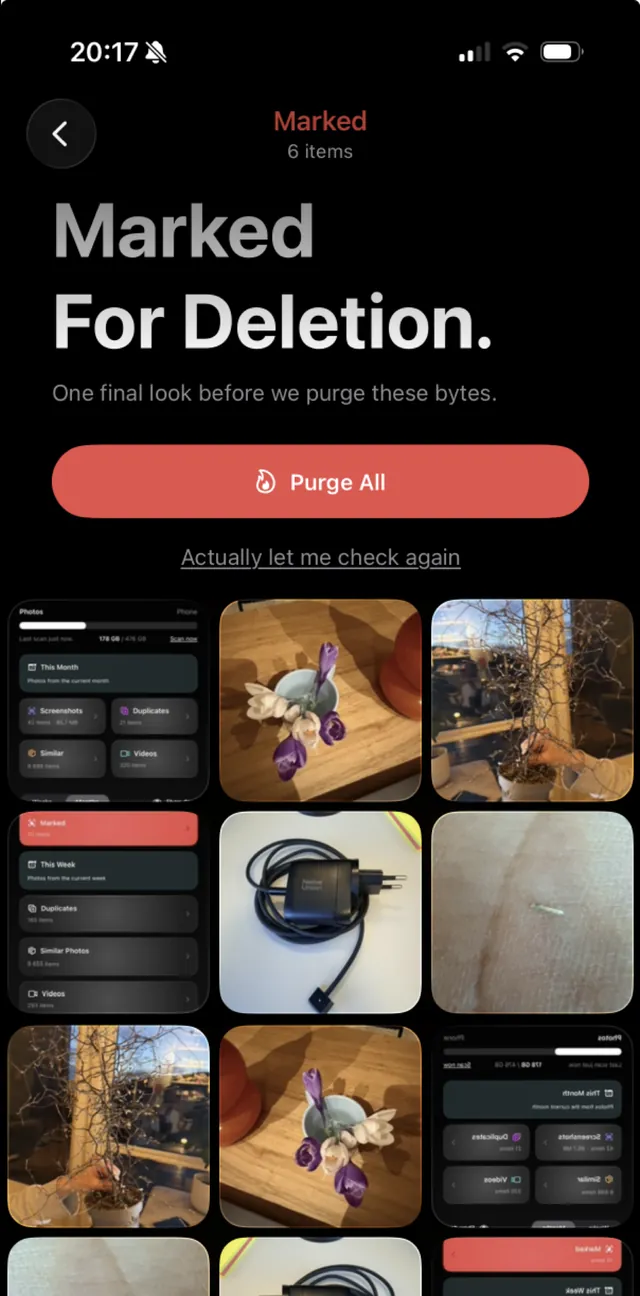
One long-press deletes them all. Then Marked shows exactly how much space you got back.

Features
Duplicates & similar shots
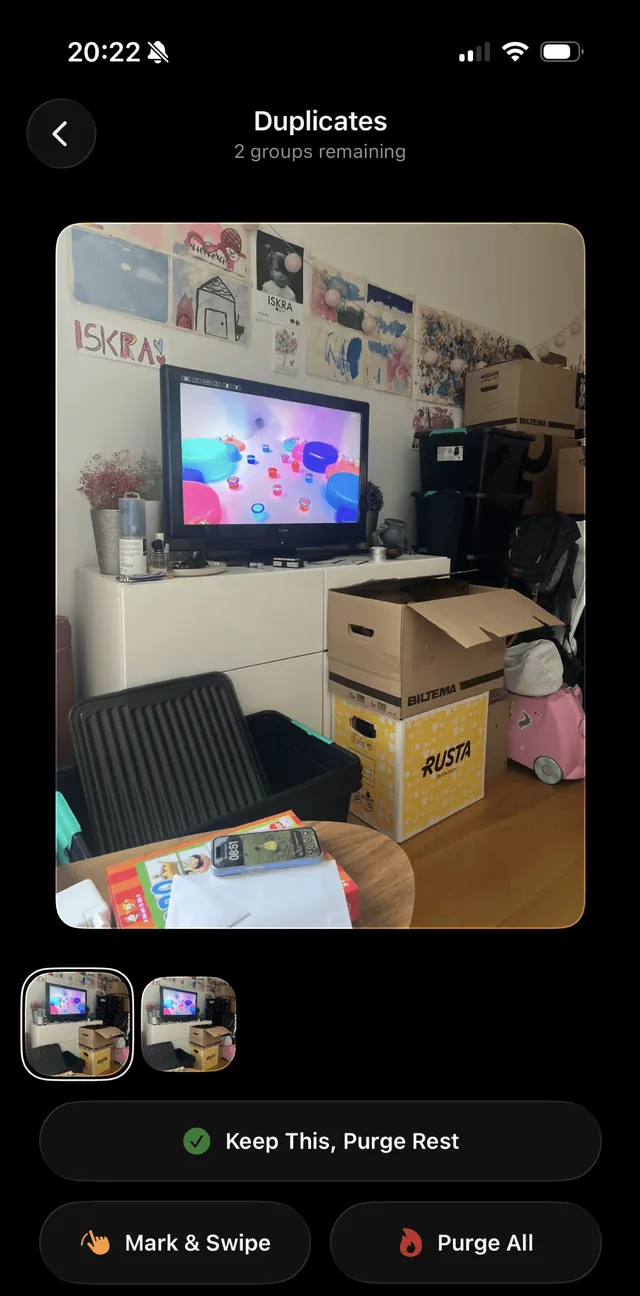
Marked puts duplicates and similar shots side by side. Keep the one you like, purge the rest. Or swipe through each one — your call.
No cloud, no upload, no account. Scanning happens on your iPhone. Your photos stay yours.
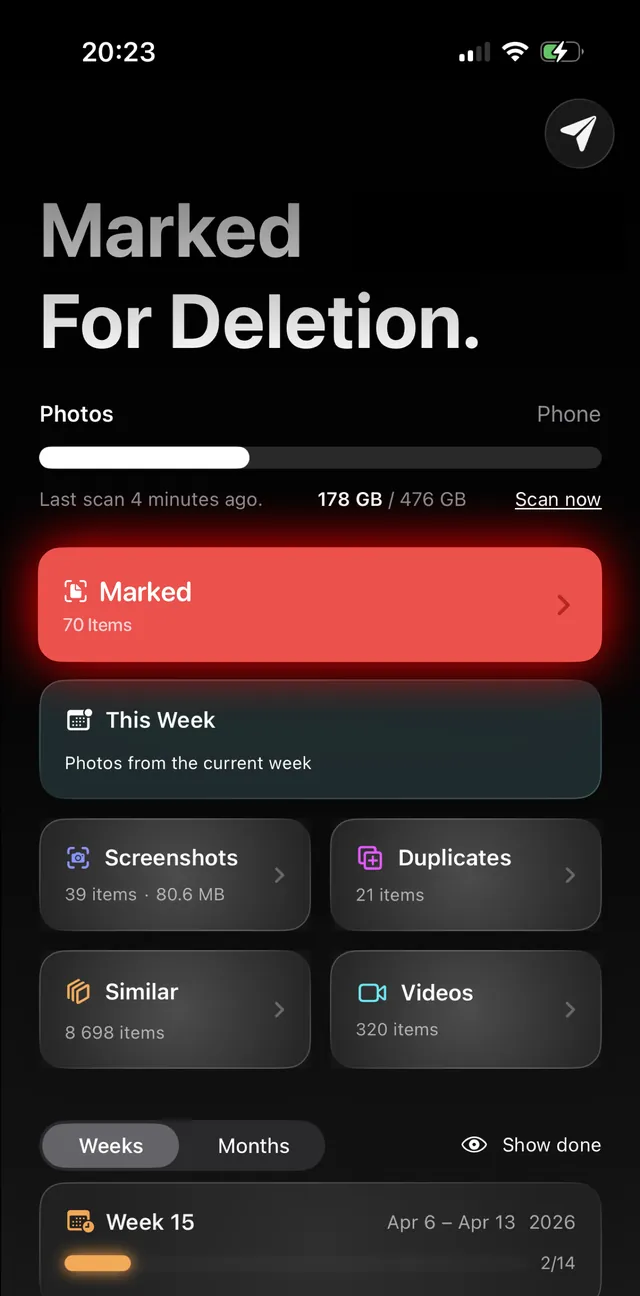
Your library, split into weeks and months. Small sessions, visible progress.

Photos, videos and gigabytes — per session and lifetime.
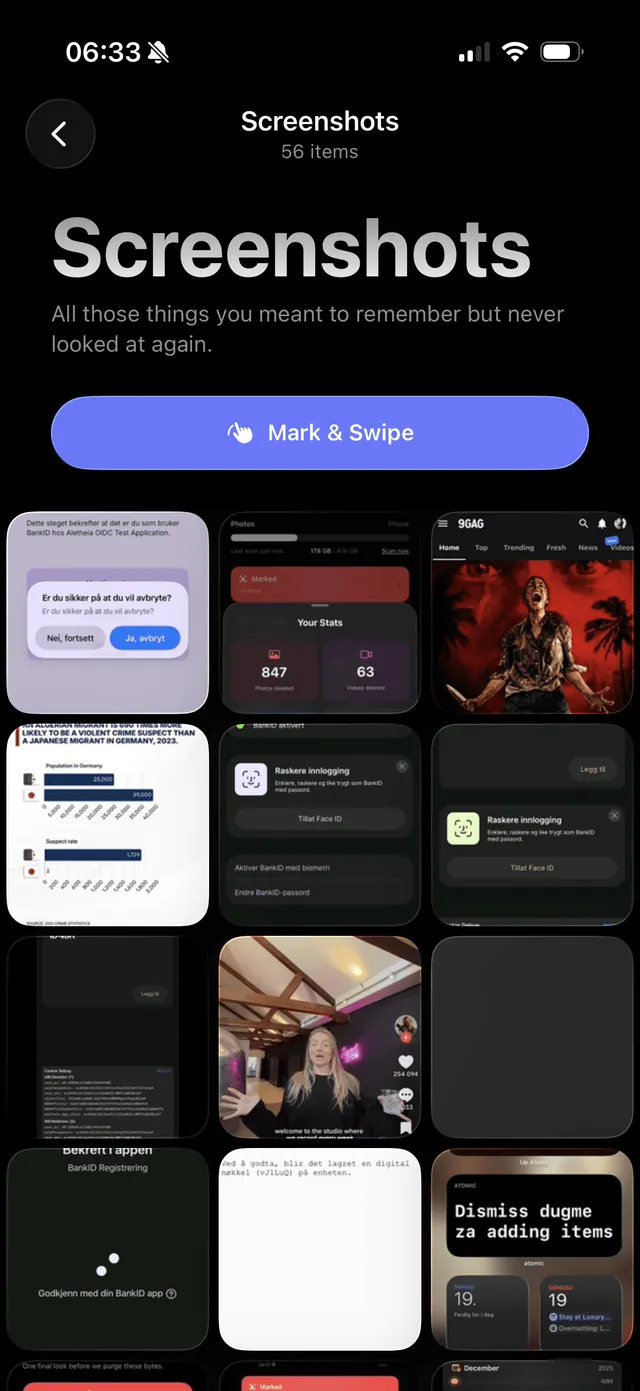
All those things you meant to remember but never looked at again.
Nothing is deleted until you hold Purge. After that, iOS keeps photos in Recently Deleted for 30 days.
Full VoiceOver support, plus an Assistive Access mode with two big buttons. Set it up once on a parent's phone.
Clean up from the couch, or at your desk with real shortcuts.

Mark now. Delete when you're ready.
Every photo you mark goes into a staging area — not the trash. Review them again, rescue anything you second-guess, and only delete when you're actually ready. One long-press, all at once.
Breaking down photos to review by week or month or by similar makes photo maintenance actually easy to do, and something I’m actually doing a little bit every day!
I’ve tried quite a few photo cleaning apps that are available but Marked is the one I find myself coming back to. It has all the key features you want in an app of this type, they’re all functional (key detail 😉), and it doesn’t overdo it with pushy reminders to swipe.

Marked is built by Emin, an indie iOS developer in Norway — mostly from the woods. Suggest a feature right inside the app; that's how the roadmap gets made.
Guides
Plain how-tos for the built-in iPhone tools first. Marked shows up only where it actually saves you time.
The free Duplicates album, what Merge really keeps, and the near-duplicates it skips.
Read the guide → StorageRead the storage bar, find what is actually big, and fix it in the right order.
Read the guide → StorageOffload, optimize and trim the stuff that isn't memories before touching the camera roll.
Read the guide → ScreenshotsFind every screenshot, select hundreds in one drag, and keep the few that still matter.
Read the guide → RecoveryWhere deleted photos wait, how to get them back, and how to free the space today.
Read the guide → iCloudWhy deleting syncs everywhere, and the three safe ways to keep a copy in the cloud.
Read the guide → BurstsPick the keeper inside a burst, then handle the similar shots that aren't bursts.
Read the guide → WhatsAppOne setting stops the flood. Then clear the hundreds that already got in.
Read the guide → ComparisonAn honest comparison from someone who makes one, with Apple's free tools as the baseline.
Read the guide → MethodA method for libraries with thousands of photos, without losing a weekend to it.
Read the guide →Marked is free to download. Scanning, swiping and marking cost nothing. Purging marked photos is a paid feature.
No. Swiping up only moves a photo to a staging area called “Marked for Deletion.” Nothing is removed from your library until you hold the Purge button. You can rescue any photo before that.
Never. Scanning and sorting happen on your device with Apple's own frameworks. No cloud uploads, no accounts. Your photos never leave your phone.
Duplicates are found by comparing a small fingerprint of each image, computed on your iPhone. Similar shots are grouped by when they were taken, so a burst of near-identical photos lands in one group.
Marked hands the deletion to iOS, which moves the photos to your Recently Deleted album for 30 days. Then Marked shows how many photos, videos and gigabytes you freed.
No. Your library is split into weeks and months. Clean one week, spend 30 seconds or 30 minutes, and pick up where you left off.
Yes. Videos play inline in the swipe deck so you can preview them before deciding. Videos also get their own category on the home screen.
Yes. VoiceOver works throughout, and there's a dedicated Assistive Access mode with two large buttons — “Review Photos” and “Free Up Space” — for anyone who benefits from a simpler interface.
Yes, with keyboard shortcuts: ↑ to mark, ↓ to keep, ⌘Z to undo, Space to skip.
Start with last week. It takes less than a minute.
Follow the build: subscribe for updates